What is a restaurant CRM?
A restaurant CRM keeps one profile per guest: contact details, visits, allergies, preferences and consent. In AlpineTable it fills itself from your bookings, so there is nothing to type in.

AlpineTable keeps a profile for every guest, built from their bookings: visits, allergies, notes, no-shows and consent. Your team sees it on each new booking, guests hear from your restaurant by email and text, and AI drafts your campaigns from one sentence.
Guest management
No spreadsheet to keep up. Each booking adds to the guest’s profile, so the team knows who is coming, what they can’t eat and where they like to sit.
Tags that fill themselves
Large groups, gear storage and table preferences like terrace or window are tagged from the booking.
Allergies flagged for the team
When a booking note mentions an allergy, it shows in red for the team and the booking waits under Needs action.
Full visit history
Every past and upcoming booking, with party size and what happened: came, cancelled or didn’t show.
Find anyone fast
Search by name, email or phone. Filter returning guests, no-show risk, opted-in guests or guests with a number.
Import and export
Bring your list in from a CSV or Excel file, matching the columns as you go, and export it whenever you like.
Email or text one guest
Open a profile and send a quick email or text. Every email and its delivery status shows on the profile.
Risk management
Every guest carries their history. Past no-shows and cancellations show on the profile and on each new booking, so you can act before the table stays empty.
1 · A booking from a guest with a history
New booking
Sat 26 Dec · 20:00Paul Moreau
4 guests · Dinner
9
Visits
1
Cancellations
2
No-shows
2 · Tonight’s bookings at a glance
Tonight · Dinner
1 needs actionJonas Keller
19:30 · 2 guests
Paul Moreau
20:00 · 4 guests
Lea Novak
20:15 · 3 guests
Claire Dubois
20:30 · 4 guests
3 · If they don’t come, your call
Thomas Martin · 6 guests
Sat 26 Dec · 20:00 · Dinner
Card guarantee
Card saved€25 per guest · €150 for 6 guests · free cancellation until 24 hours before
A risk tag on every guest
No-shows in red, cancellations in amber, and “Good standing” for everyone else.
A no-show risk list
One filter lists every guest with a past no-show. Sort the guest book by highest risk.
Before service
Unconfirmed bookings wait under Needs action. On Growth, the morning briefing on WhatsApp lists today’s guests with a no-show history.
Ask one guest for a card
Open any upcoming booking and email the guest a link to add a card. Nothing is charged.
Or set rules for busy services
Ask for a card automatically from the party size and on the services you choose.
You decide, never us
After a no-show, choose Charge or Waive. Fees go to your own Stripe account, with no commission.
Guest emails and texts
Confirmations, reminders and waitlist offers go out by email under your restaurant’s name, and by text, in the guest’s language. Replies to your emails land in your Inbox.
Your name, logo and colours on every email, with a calendar invite and a link to manage the booking.

Alpine Lake House
See you soon: Sat 26 Dec, 12:30
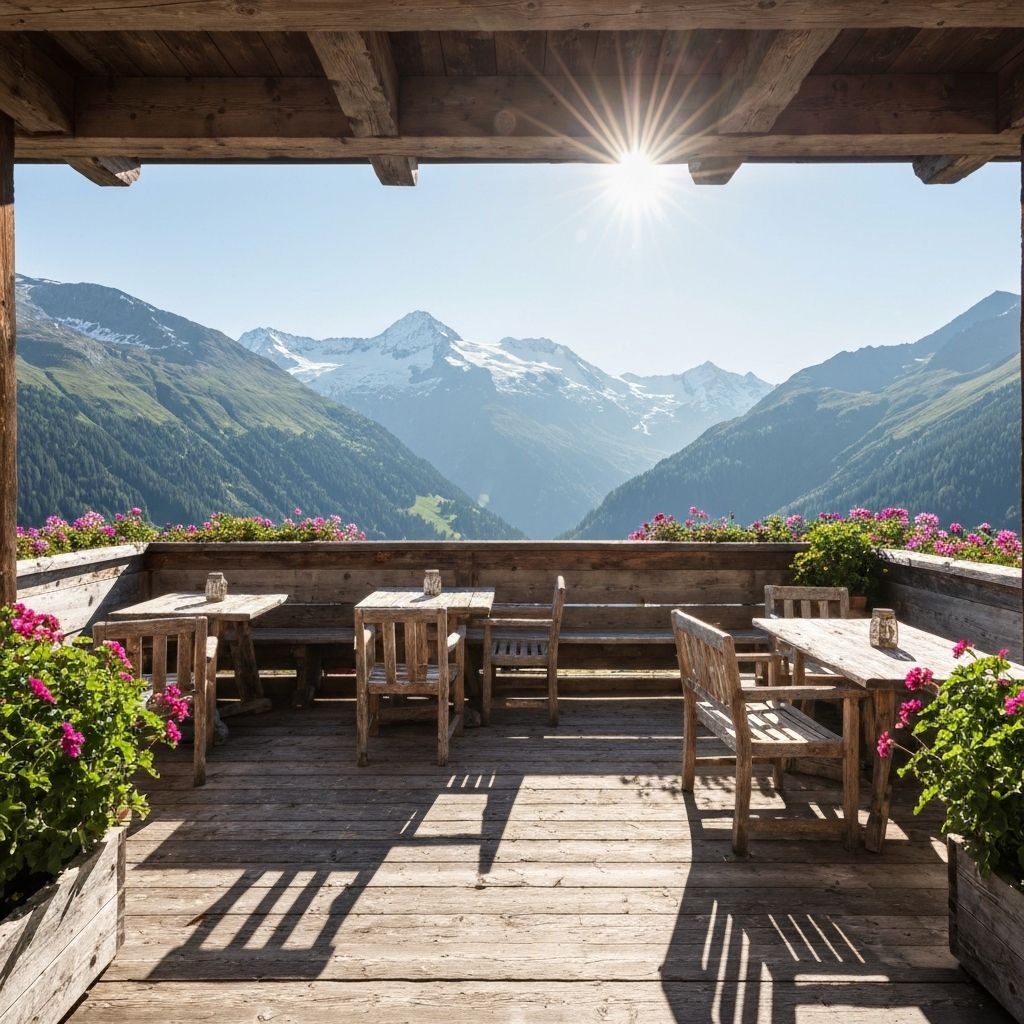
See you soon
Claire, this is a reminder of your reservation for 4 guests at Alpine Lake House on Sat 26 Dec, 12:30.
You can cancel online up to 24 hours before your reservation.
Replies go to your Inbox
A confirmation when they book and a reminder 24 hours before, never at night.
Alpine Lake House
Text message
Tue 18:03
Fri 12:30 · 24 hours before
Guest replies arrive in your Inbox, grouped by guest and linked to their booking. Answer from there.
Claire Dubois
Sat 26 Dec · 12:30 · 4 guests
What guests get, automatically
Confirmation
With a calendar invite and a link to change or cancel.
EmailSMS
Reminder
Booked later? It goes at 8:00 on the day. Never between 21:00 and 08:00.
EmailSMS
Waitlist offer
You offer the table and the next party gets a link that holds it for 30 minutes.
EmailSMS
Card request
A secure link to add a card. Nothing is charged.
Cancellation
The guest gets a confirmation and the table frees up.
AI email campaigns
Write one sentence, like “invite last season’s guests to our reopening”. AI drafts the subject, headline, text and button. You edit it, choose who gets it and send.
Audience
312 opted in of 418
From: Alpine Lake House
We reopen on 12 December, and your table is waiting
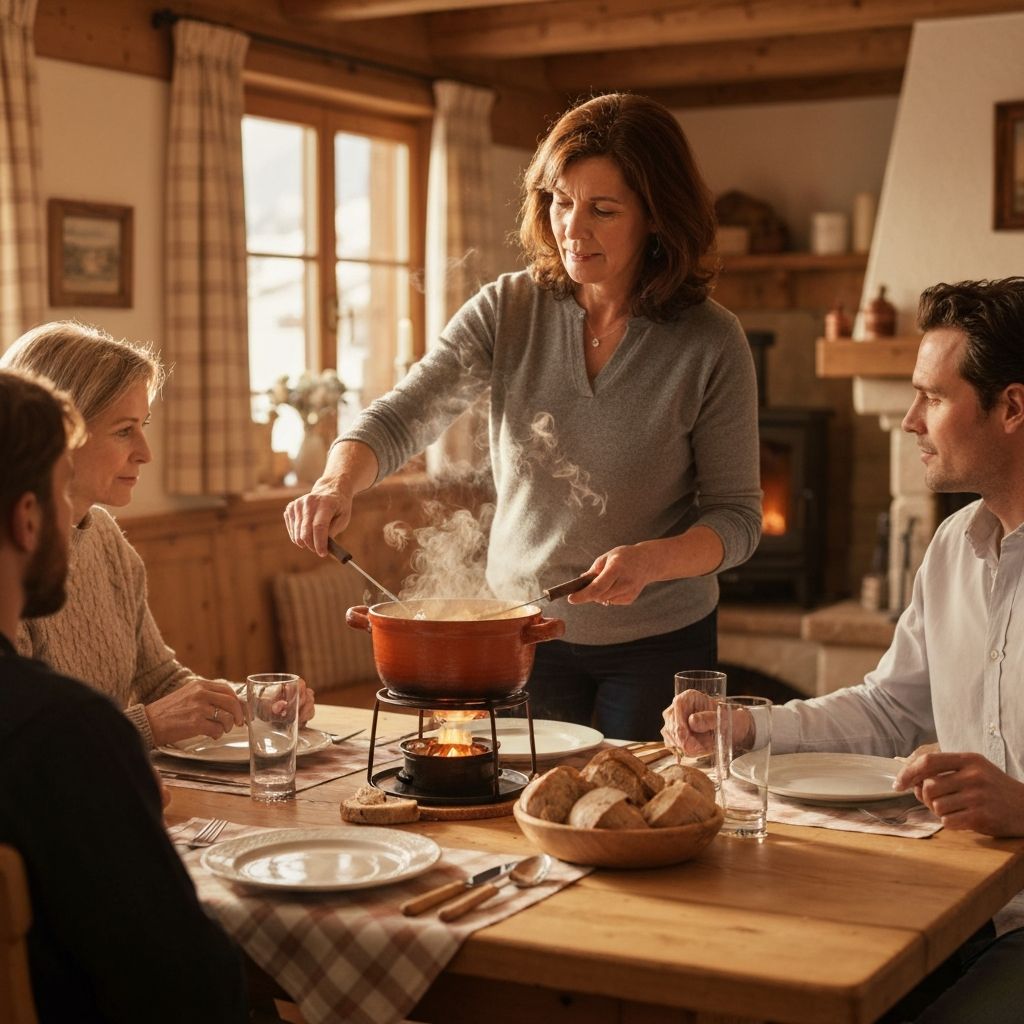
The terrace is back, and so is the fondue.
Hello Claire, the snow is coming and we open again on Saturday 12 December, lunch and dinner.
New this winter: a slow-cooked cheese fondue for two, served on the terrace when the sun is out.
Book a tableYou get this email because you opted in. Unsubscribe in one click.
Audiences ready to use
First-time guests, returning guests, loyal guests with three or more visits, and last season’s guests. Or build your own from visits, last visit, tags and source.
Only guests who opted in
Campaigns go to guests who agreed to marketing, and every email has an unsubscribe link.
Your brand, your designs
Your logo and accent colour on every campaign. Add a flyer you made in the Designer.
A personal touch
Merge tags add each guest’s first name, last visit or number of visits. Or start from a template.
See how it did
Each campaign shows how many emails were sent, opened and clicked.
You press send
AI writes the draft. Nothing goes out until you send it.
Consent and privacy
Booking messages and marketing are kept apart. Consent is recorded on every profile, and every opt-in and unsubscribe is logged.
Guests opt in with a tick box when they book. Imported guests start on booking messages only.
Guests leave your campaigns from any marketing email. A later booking never opts them back in.
Allergies or health details in a booking note need their own tick box, and your booking terms page explains how data is used.
AlpineTable vs Overfull
Overfull is an established restaurant CRM. Here is how the guest features compare, using what Overfull publishes on its own website.
Guest profiles built from bookings
Price
Getting started
No-show history next to every guest
Card guarantees
Booking emails and texts
Marketing campaigns
AI that writes campaign emails
Review requests after the visit
Pay only for the months you open
Overfull details from overfull.fr, checked on 28 October 2026. If something has changed, tell us and we’ll update this page.
FAQ
A restaurant CRM keeps one profile per guest: contact details, visits, allergies, preferences and consent. In AlpineTable it fills itself from your bookings, so there is nothing to type in.
The guest book, with visit and no-show history, segments and CSV import and export, is on every plan, from Core. The Inbox, emails and texts to one guest, and card guarantees come with Service. Email campaigns, AI writing and the Designer come with Growth.
It counts their past no-shows and cancellations at your restaurant. Guests with a no-show get a red tag, guests with cancellations an amber one, and everyone else is in good standing. You decide what to do: call, ask for a card or nothing at all.
No. AI drafts the email from your description. You review it, choose the audience and press send. The WhatsApp assistant can prepare a campaign too, and it waits for your approval.
No. Campaigns only go to guests who ticked the marketing box when they booked. Imported guests start on booking messages only. Everyone still gets the messages about their own booking.
Texts go out once your restaurant has been verified. We switch them on, then you choose which ones to send in Settings → Notifications.
Yes. Export your guest list and import it into the guest book as a CSV or Excel file, up to 5,000 guests at a time. If you’d rather not, send us the file and we import it for you.
Your guest book fills itself from the first booking. Start on Core and add campaigns when you’re ready.